KERNEL next.js template
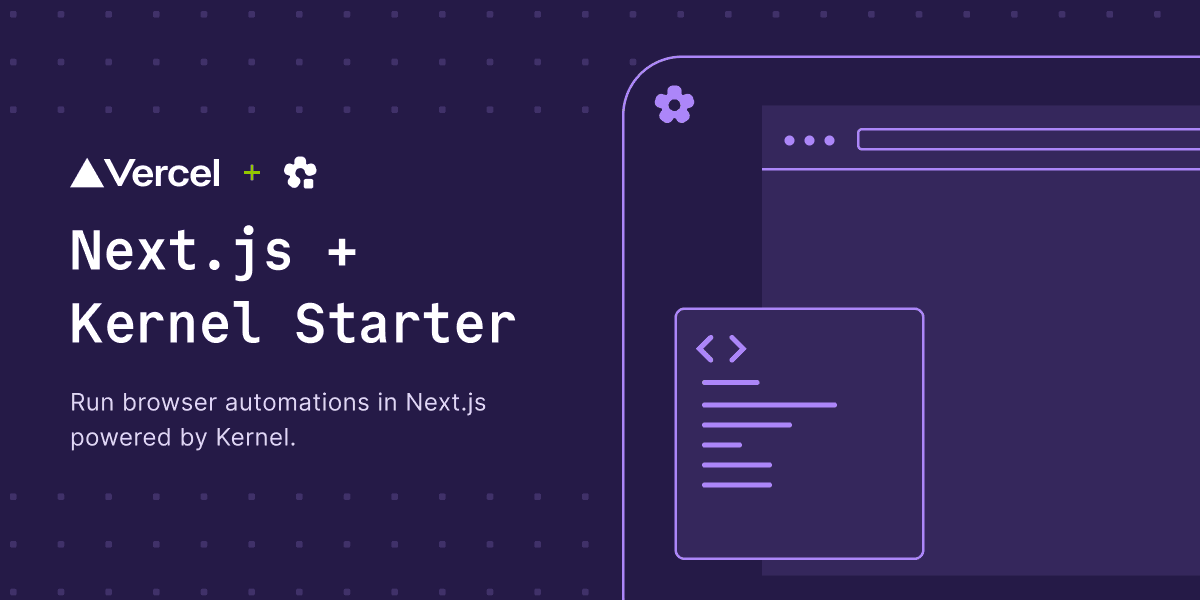
one page that creates a KERNEL cloud browser, lets a gpt-5.4 agent write and run playwright against it, and keeps the browser and the generated code side by side.
what this shows
- creating a browser session with the KERNEL sdk, and streaming the live view into the page
- an AI SDK agent (
ToolLoopAgenton gpt-5.4) whose only tool is playwright execution - the agent writing playwright, running it in the browser vm, and returning a value to the model
- every step streamed into a sidebar with the code, the execution time, the return value, and failures
quick start
open http://localhost:3000, create a browser, and describe a task.
the three calls
the whole browser layer is three methods on the KERNEL client. the template calls them from route handlers.
playwright.execute runs the code in the same vm as the browser, with page, context, browser, and webmcp in scope, and returns whatever the code returns. that return value is what the model sees, so return the data the task asks for.
code map
how the streaming works
/api/agent builds a ToolLoopAgent and returns toUIMessageStreamResponse(), so tool calls and results reach the browser as they happen. the sidebar renders the tool-playwright_execute parts from useChat, which is where the per-step status, code, and return value come from. you see the run while it runs.
environment
| variable | where it comes from |
|---|---|
KERNEL_API_KEY | dashboard.onkernel.com, or the KERNEL integration in the vercel marketplace |
OPENAI_API_KEY | platform.openai.com |
deploy
push to github and import the repo at vercel.com/new, or use the deploy button above. install the KERNEL integration to have KERNEL_API_KEY set for you, then add OPENAI_API_KEY yourself.
[!WARNING]
/api/agentaccepts anysessionIdand runs whatever playwright the model writes against it, with no auth or rate limiting. a public deploy runs on your keys for anyone who finds the url - add access control before sharing a deployed link.