
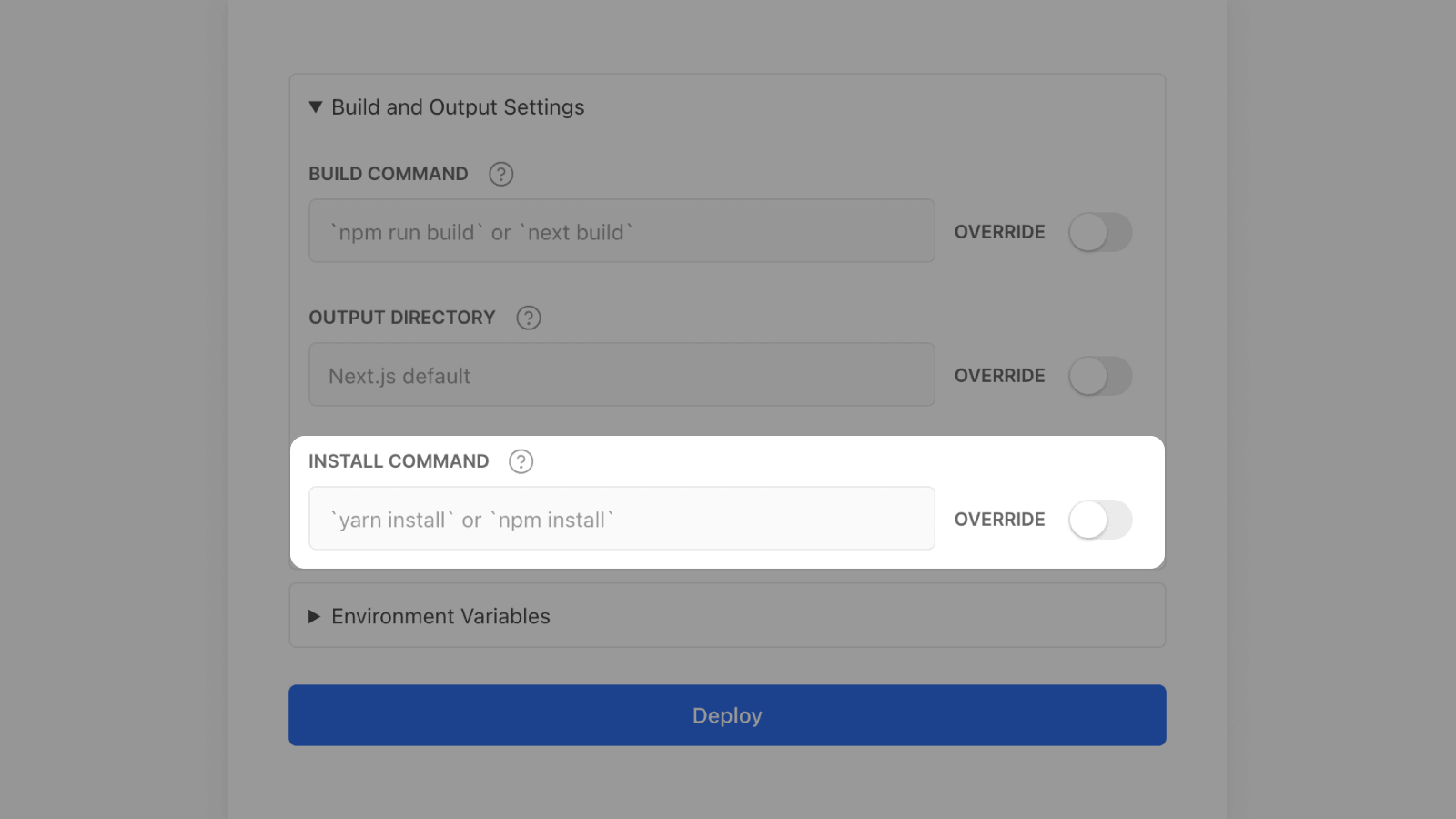
When importing a Git repository into Vercel, your Project's dependencies used to automatically be installed using either Yarn or npm, depending on your code. Selecting a different package manager such as pnpm was only possible after the Project was already deployed.
As of today, however, you can configure your custom Install Command even before the first Deployment for your new Project is created.
This also comes in handy for passing custom options to the yarn or npm install commands, since you can simply place the command of your choice in the "Install Command" field.
Check out the documentation as well.