


Set your DNS records including presets for commonly used records.
Applying custom DNS Records to your Domains (for receiving emails, for example) has so far always required interacting with our advanced command-line interface.
From today, you'll be able to manage them directly from the Web UI and even insert presets for commonly used DNS Records.
Copy link to headingNew Domain Setting
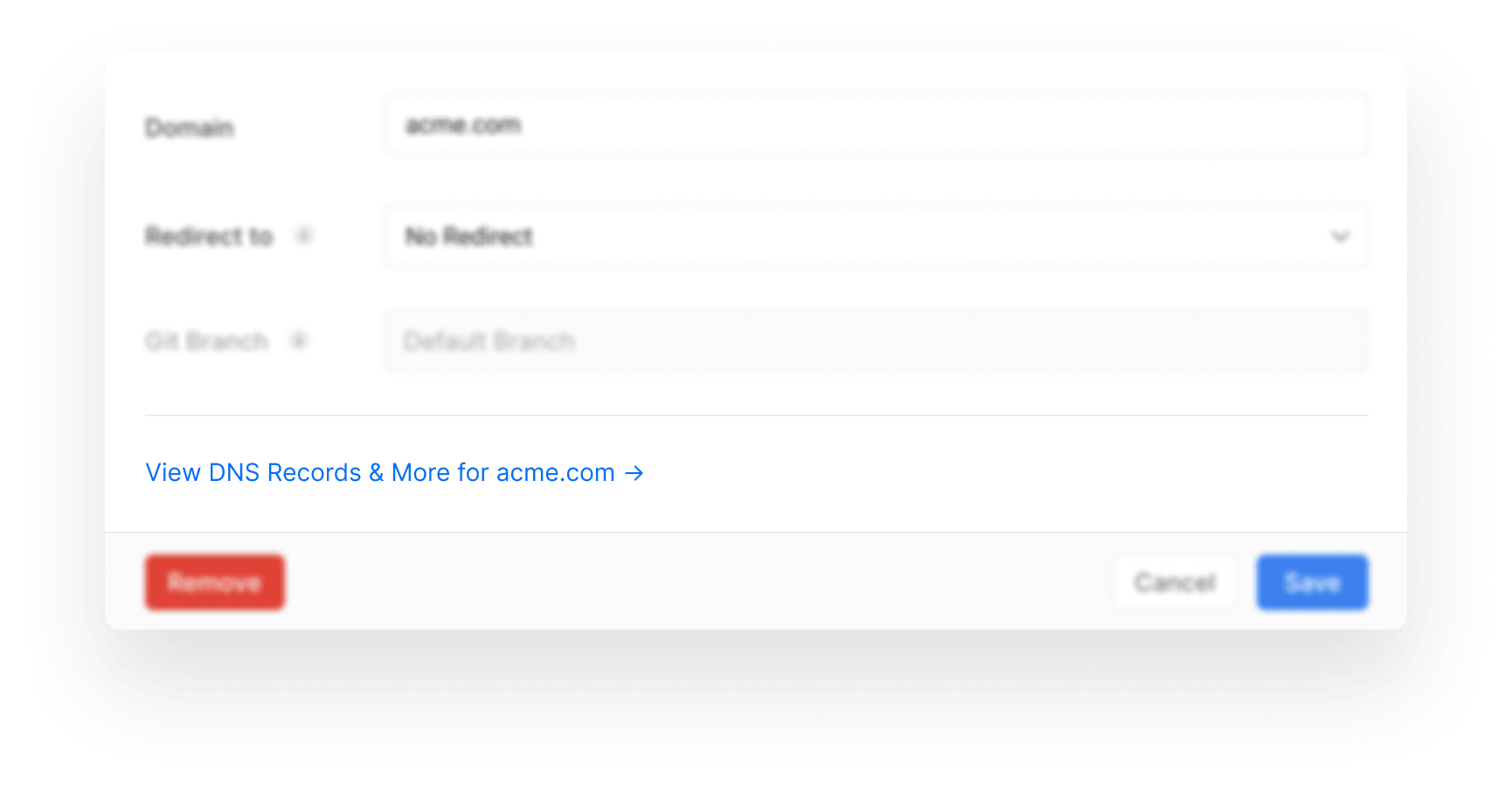
To edit the existing DNS Records of your Domain or add new ones, navigate to the Domains page of your Project Settings. There, click Edit on the Domain of your choice and you'll find a link at the bottom of the view:
On the following screen, you'll then be presented with all the details about your Domain and you'll be – among other things – able to manage its DNS Records:
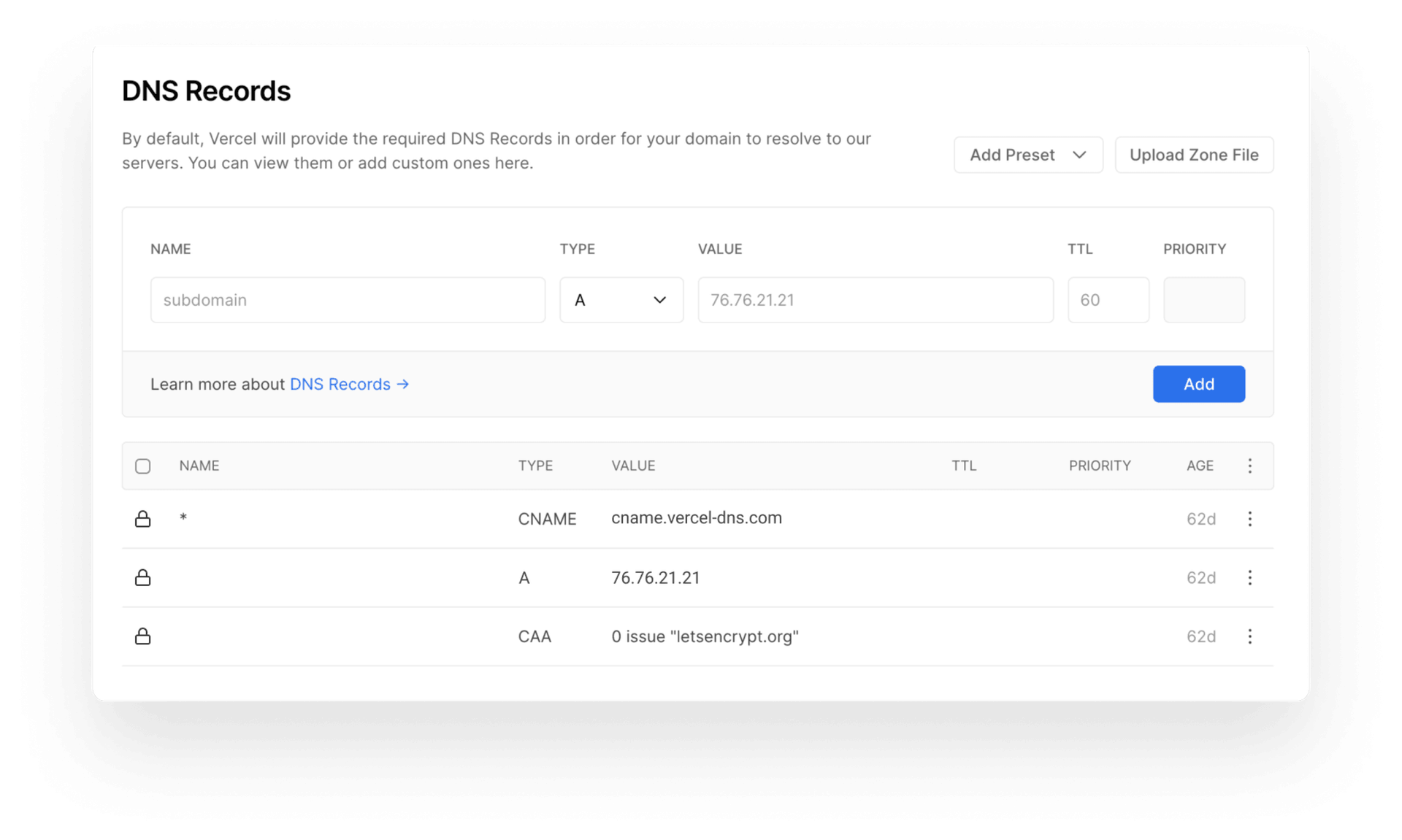
With this section, you can add new DNS Records and remove or edit existing ones, easier than ever, allowing you to get back to your Project without losing focus.
Copy link to headingPresets
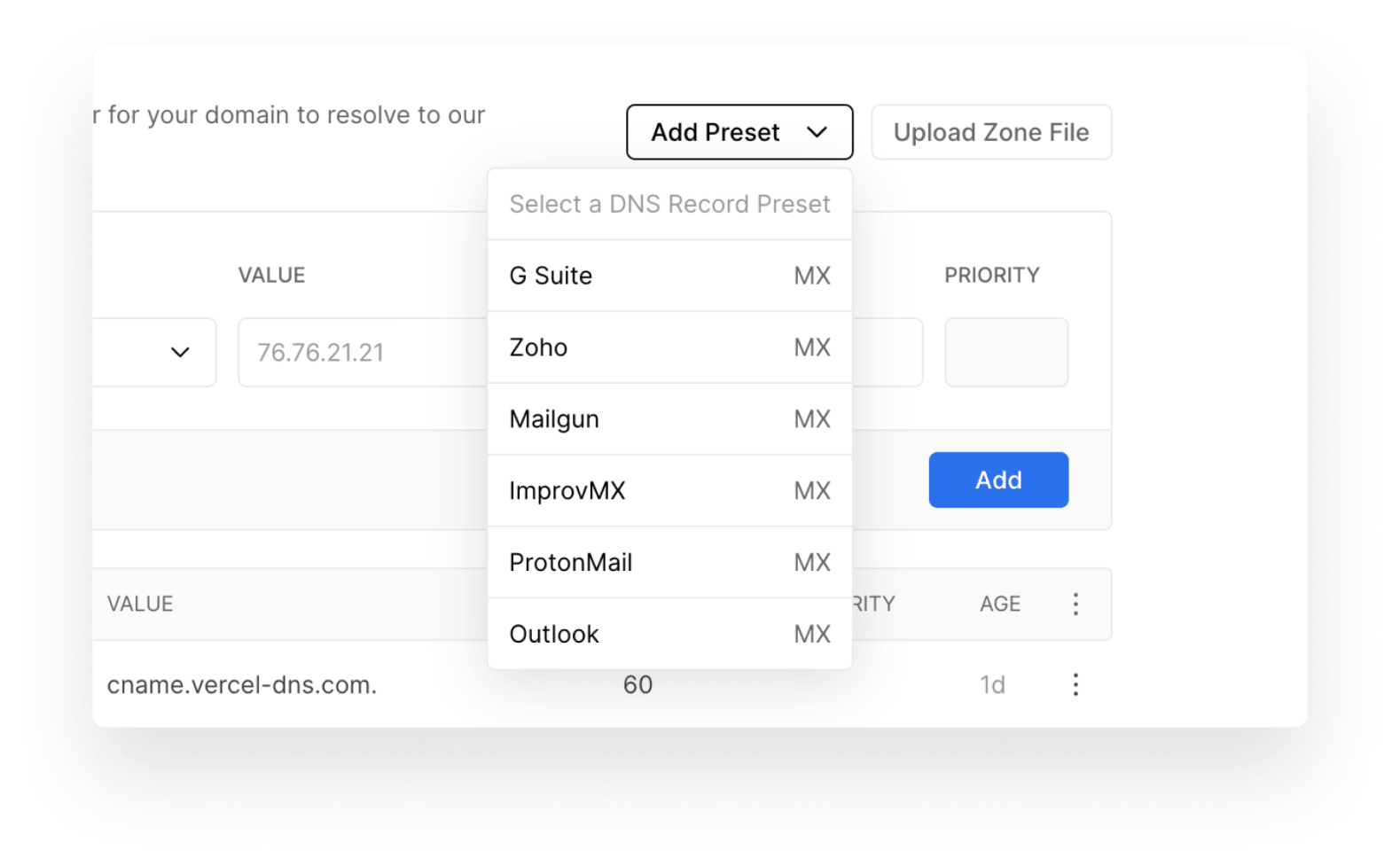
Commonly, new DNS Records that are added on our platform are of the type MX and are used for receiving emails on services such as Gmail.
To make working with MX services easier, we've added an Add Preset button that lets you choose from a list of those services, to easily insert their necessary DNS Records:
Copy link to headingConclusion
If you need to receive emails through your custom Domains or configure any other kind of DNS Record, you can now do so directly from the Web UI.
Your DNS Records will only be reflected if you've bought your Domain with Vercel, transferred it in, or if you're using our nameservers.
For more details, check out the documentation.
Let us know what you think about this change and if there are any DNS Records Presets you'd like to see us add. We're excited to help you succeed.